SSC Photo Size Requirement – File Size, Format & Upload Guide
Compress JPG, PNG, SVG or GIF with the best quality and compression. Reduce the filesize of your images at once.
SSC Photo Size Requirement – File Size, Format & Upload Guidelines (2026 Updated)
If you are applying for an SSC (Staff Selection Commission) examination such as CGL, CHSL, MTS, GD, or other recruitment posts, uploading your photograph in the correct size and format is mandatory. An incorrect file size or format can lead to upload errors or rejection of your application.
This guide explains the SSC photo size requirement in KB, accepted formats, and how to prepare your image correctly before submitting your form.
Always verify the latest specifications in your official SSC exam notification before uploading your photograph.
What Is the SSC Photo Size Requirement?
For most SSC online application forms, candidates must upload:
A recent passport-size photograph
JPG or JPEG format
Clear face visibility
Plain light background
File size within the prescribed KB limit
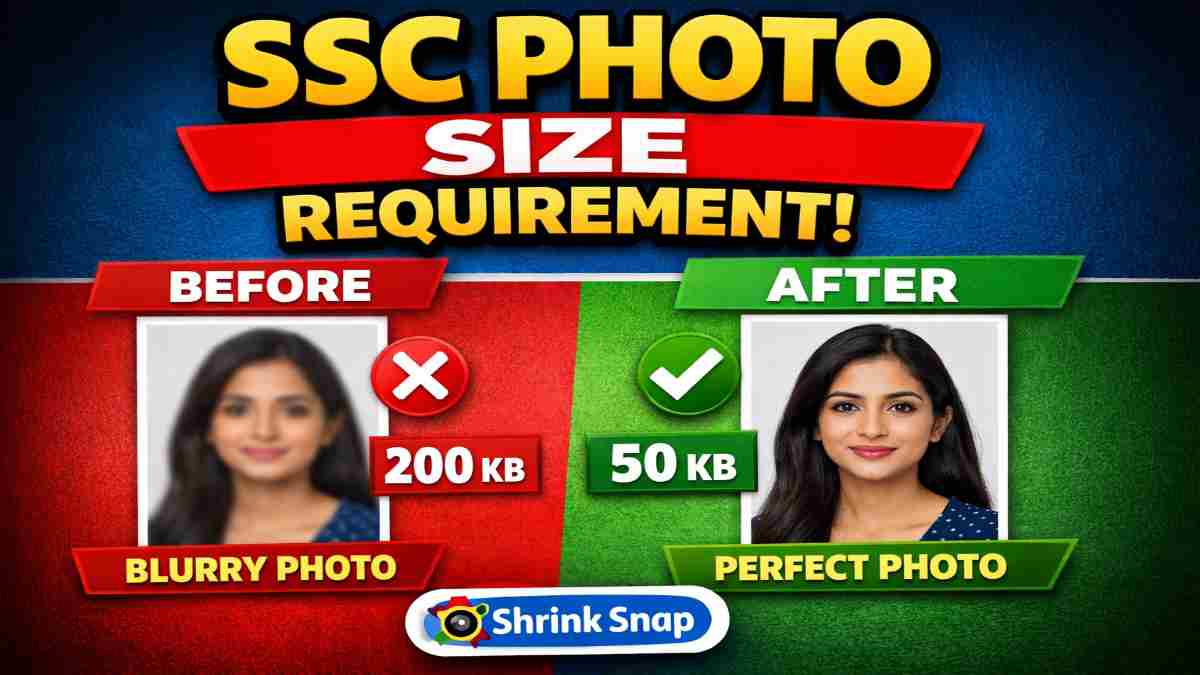
In many cases, SSC requires the photograph file size to be under 50KB.
If your image exceeds the allowed limit, you should reduce your SSC photo to 50KB before uploading it to the SSC portal.
SSC Photo Size in KB (General Guidelines)
Although exact specifications may vary slightly by examination and year, common SSC photo requirements include:
File Size: Often up to 50KB
Format: JPG / JPEG
Proper pixel dimensions as mentioned in notification
Clear and recent photograph
No blur, shadow, or heavy editing
If your image is larger than allowed, you can safely compress image to 50KB using a reliable tool like Shrink Snap to match strict upload limits without damaging clarity.
How to Adjust SSC Photo to 50KB
If your photo exceeds the permitted file size:
Upload your image to Shrink Snap.
Use the exact 50KB compression tool to adjust the file size precisely.
Download the optimized image.
Upload it to the SSC application portal.
Using a precise file-size tool helps ensure your photo meets SSC guidelines while maintaining proper image quality.
If your notification requires a smaller size, adjust accordingly before submission.
Common SSC Photo Upload Errors
Many candidates face application rejection due to:
File size exceeding the KB limit
Incorrect file format
Blurry or pixelated compression
Improper cropping
Dark or uneven background
Before final submission, confirm that your image remains clear and stays within the required file size.
Tips to Ensure SSC Photo Approval
Use a plain white or light background
Maintain proper lighting
Avoid extreme compression that causes blur
Keep your face centered and clearly visible
Double-check the final file size before uploading
If necessary, adjust your photo size to more smaller size to meet the requirement u to avoid technical errors during submission. you can compress image to 20kb1
Frequently Asked Questions
What is the SSC photo size requirement in KB?
For most SSC exams, the photograph file size must be under 50KB. However, candidates should always verify the exact size limit mentioned in the official SSC notification for their specific exam.
What format is required for SSC photo upload?
SSC generally accepts photographs in JPG or JPEG format. The image should be clear, properly cropped, and free from blur or distortion.
What happens if my SSC photo exceeds 50KB?
If your photo exceeds the allowed file size, the SSC portal may show an upload error. In such cases, you should reduce your SSC photo to 50KB before submitting the application.
Can I reduce SSC photo size online?
Yes, you can safely reduce the file size online using a reliable tool like Shrink Snap. It allows you to compress image to 50KB while maintaining image clarity.
Will compressing my SSC photo reduce image quality?
When compressed properly using balanced settings, image quality can be preserved while reducing file size. Avoid excessive compression that causes blur or pixelation.
What background is recommended for SSC photos?
SSC generally requires a plain white or light-colored background. Make sure your face is clearly visible with proper lighting and no shadows.
Are SSC photo dimensions also important?
Yes. In addition to file size, SSC may specify pixel dimensions and aspect ratio. Always check the official exam notification to confirm the exact requirements.
Can I upload a selfie for SSC application?
SSC requires a formal passport-style photograph. Casual selfies, heavily edited images, or photos with filters may lead to rejection.
Final Advice for SSC Applicants
Before submitting your SSC application, ensure your photograph meets all size and format requirements mentioned in the official notification. Preparing your image correctly helps prevent upload errors, form rejection, and unnecessary delays.
If your image exceeds the allowed limit, use a reliable tool to adjust it precisely before completing your application.