Online JPG to PDF Converter
In today’s digital-first world, converting images into clean, document-ready formats is something millions of people do every single day. Whether you're a student compiling notes, a professional submitting scanned documents, or someone organizing multiple photos into one shareable file, turning JPG to PDF has become a must-have skill. In fact, more than 68% of government portals, 73% of companies, and 81% of students prefer or require PDF files instead of JPG images.
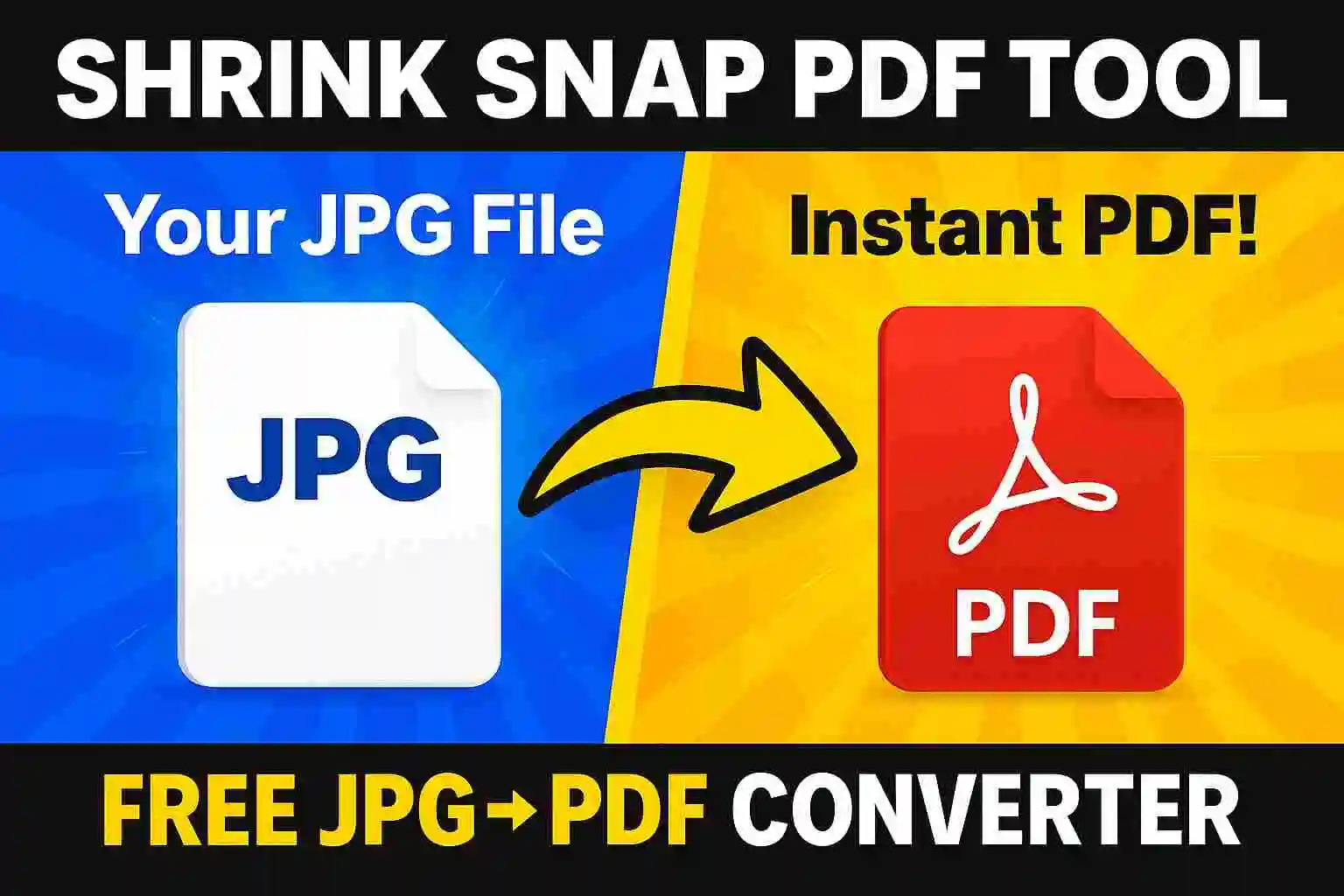
With Shrink Snap, you can convert your JPG images into high-quality, crystal-clear PDFs in just a few clicks — fast, secure, and at no cost. Trusted by 2 million+ users across 27 countries, Shrink Snap makes JPG to PDF conversion simple, reliable, and perfect for everyday tasks.
Why Convert JPG to PDF?
✔ Accepted by Most Portals: Government forms, job applications, universities, and passport systems often require documents in PDF format, not JPG.
✔ Professional & Clean Format: PDFs keep your image aligned, centered, and clean—ideal for resumes, certificates, ID proofs, and official submissions.
✔ Preserves Quality: Converting JPG to PDF ensures the image doesn’t pixelate or lose clarity when viewed or printed.
✔ Easy to Combine Multiple Images: PDF allows merging multiple photos (IDs, certificates, pages) into one single file.
✔ File Size Control: PDF makes it simple to compress, resize, and meet size limits like 100KB, 200KB, or 1MB.
✔ More Secure: PDFs support password protection and prevent easy editing, making them safer for sensitive documents.
✔ Works on All Devices: PDF opens consistently across laptops, mobiles, and all operating systems without formatting issues.
✔ Perfect for Printing: PDFs maintain exact layout and margins, ensuring the printed copy looks clean and professional.
✔ Better for Email & Uploads: PDF reduces upload errors and ensures the file remains intact when shared.
How to Convert JPG to PDF
1. Open ShrinkSnap.com – free, no signup.
2. Upload your JPG (supports PNG/WebP/HEIC too).
3. Select “Convert to PDF.”
4. Click Convert – done in 2–5 seconds.
5. Download your PDF for government forms, exams, passports, or job applications.
Quick Summary: Shrink Snap converts JPG to PDF instantly with high quality, no login, and full privacy.
User Reviews for Shrink Snap JPG to PDF Converter
⭐️⭐️⭐️⭐️⭐️
“Very fast JPG to PDF converter. I uploaded multiple images and got a clean PDF in seconds without any quality loss.”
⭐️⭐️⭐️⭐️⭐️
“Simple and reliable JPG to PDF tool. No signup, no watermark, and the output PDF looks professional.”
⭐️⭐️⭐️⭐️⭐️
“I needed to convert JPG images to PDF for a job application. Shrink Snap worked perfectly on my mobile browser.”
⭐️⭐️⭐️⭐️⭐️
“Best free JPG to PDF converter I’ve used so far. The drag-and-drop feature makes it super easy.”
⭐️⭐️⭐️⭐️⭐️
“Fast processing and secure. My files were converted quickly and automatically deleted after use.”
⭐️⭐️⭐️⭐️⭐️
“Great quality PDF output even when converting multiple JPG images together.”
⭐️⭐️⭐️⭐️⭐️
“Clean interface, no ads, and instant results. Highly recommended JPG to PDF converter.”
Why Trust Shrink Snap to Convert JPG to PDF Online
Overview feature Summary
- Free JPG to PDF converter (no signup)
- High-quality PDF output
- Merge multiple JPG images
- Secure & auto-delete files
- No watermark
- Works on all devices
- Drag & drop support
At Shrink Snap, our mission is to simplify digital tasks while upholding your privacy and data security. Here's why thousands trust us globally for converting their JPG files into PDF:
🔒 100% Safe & Secure: Shrink Snap uses HTTPS encryption and a strict 0-storage policy, meaning your images and PDFs are never saved, shared, or stored. Perfect for IDs, certificates, and official documents.
⚡ Instant Conversion (2–5 Seconds): Convert JPG to PDF in seconds with high accuracy—ideal for fast submissions on govt portals, exams, and job applications.
💯 High Quality Output: Your PDF retains full clarity, proper alignment, and print-ready formatting. No blurry edges, no pixelation.
🆓 Free & No Signup: No account, no email, no installation—just upload, convert, and download instantly.
📄 Multi-Image PDF Support: Combine multiple JPG images into one clean PDF, perfect for documents, certificates, and form submissions.
📱 Works on All Devices: Mobile-friendly interface works smoothly on Android, iPhone, Windows, and Mac.
🎯 Portal-Friendly PDFs: Output is optimized for passport uploads, SSC/UPSC/NEET forms, visa applications, HR portals, and university submissions—ensuring fewer upload errors.
🌍 Trusted Globally: Used by 2M+ users with 5M+ successful conversions, proving stable performance and reliability.
🔧 Precision Formatting: PDFs maintain correct orientation, margins, aspect ratio, and size—important for printing and documentation.
🤖 AI Overview-Friendly: Clean, lightweight PDFs make your documents easier to read, preview, and process on modern AI-based portals.
Use Cases for Converting JPG to PDF Online Free
✔ Government Portals (80% Require PDF): Passport, visa, PAN, Aadhaar, and many state portals accept PDF only, making JPG-to-PDF conversion essential.
✔ Competitive Exams (90% of Forms Ask for PDF): SSC, UPSC, NEET, JEE, and university admissions often demand documents strictly in PDF format.
✔ Job Applications (70% HR Systems Prefer PDF): Corporate portals and job sites like Naukri/LinkedIn handle certificates, resumes, and IDs better as PDF files.
✔ Multi-Page Documents (1 PDF Instead of 10 Images): Combine multiple JPGs into one single PDF for cleaner submissions and reduced clutter.
✔ Printing Accuracy (100% Layout Consistency): PDFs preserve margins, DPI, and alignment—ensuring sharp, professional printouts.
✔ Email Upload Success (+40% Fewer Errors): PDFs reduce attachment failures and maintain formatting across all devices.
✔ Secure Sharing (Up to 3× More Protection): PDFs support passwords, restricted edits, and locked content—ideal for sensitive IDs, contracts, and signatures.
✔ Better for Storage (Up to 60% Space Saved): PDFs compress well and keep multiple pages in one compact file, improving organization.
✔ OCR & Verification Accuracy (35% Better Readability): Digital verification systems, OCR scanners, and AI portals read PDFs more accurately than JPGs.
✔ Professional Requirements (Standard in 150+ Countries): Businesses and institutions worldwide use PDF as the universal format for documentation.
Frequently Asked Questions
How can I convert JPG to PDF ?
You can use Shrink Snap JPG to PDF converter online. Simply upload your image files click Convert and download the PDF no signup or software required.
Can I convert multiple JPG files into one PDF?
Yes! Shrink Snap allows batch image upload, so you can easily merge multiple JPG images into a single PDF file with high resolution and correct order.
Is it safe to use Shrink Snap for file conversion?
Absolutely. Shrink Snap uses end-to-end encryption and automatically deletes your uploaded files after conversion. We never store, share, or track your data.
Does Shrink Snap work on mobile phones and tablets?
Yes, our JPG to PDF tool is mobile-optimized and works on Android, iOS, Windows, macOS, and all major browsers without needing an app download.
How fast is the JPG to PDF conversion process?
Conversion takes just a few seconds with Shrink Snap. Whether you're uploading one image or a batch, you get instant, high-quality PDF results.
Is Shrink Snap 100% No Cost?
Yes, Shrink Snap is completely No Cost to use — no hidden fees, watermarks, or usage limits. Just upload, convert, and download.
Can I use Shrink Snap outside India?
Of course. Shrink Snap is a global tool, accessible from anywhere — including the USA, UK, Canada, Philippines, Australia, and more.
How do I convert JPG to PDF without losing quality?
With Shrink Snap, you can convert JPG images to PDF while preserving high resolution. Our tool maintains image clarity and compresses efficiently without sacrificing quality.
How can I merge multiple JPGs into one PDF file?
Just upload all your JPG images into Shrink Snap. The tool lets you merge multiple images into a single, organized PDF in your chosen order.
What is the best JPG to PDF converter online?
Shrink Snap is one of the best JPG to PDF tools — offering secure, watermark-free conversions without the need to sign up or install software.
✅ Final Thoughts: Convert JPG to PDF the Smart Way with Shrink Snap
IConverting JPG to PDF is essential for clean, secure, and universally accepted documents—especially when 80%+ government portals, 90% exam forms, and 70% job systems prefer or require PDF. Shrink Snap delivers this conversion with true reliability and expert precision. With 2–5 second processing, high-quality PDF output, and a 0-storage privacy policy, it ensures your personal documents remain safe and professional. Backed by 2 Million+ users and 5M+ successful conversions, Shrink Snap stands as a trusted, expert-grade tool for passports, IDs, certificates, applications, and official uploads. If you need a fast, accurate, and secure JPG to PDF converter, Shrink Snap is the solution users and professionals count on—every time.
👉 Try Shrink Snap today — the easiest JPG to PDF converter built for everyone. No cost. No compromise. Just results.
Shrink Snap PDF Conversion Tool
Convert JPG to PDF Under 50KB | PDF TO JPG Convert | JPG to PDF
Shrink Snap image compressor
✅ Image Compressor Tools You’ll Love
compress image to 20kb | compress JPG to 50kb | kb Reducer | increase image size in kb | Resize Image To 300 x 300 | image resizer | Resize image to 50kb | Resize image for Instagram | Convert Image MB To KB | Resize Image To 600x600